DSC Renewal – Renew Your Digital Signature Certificate
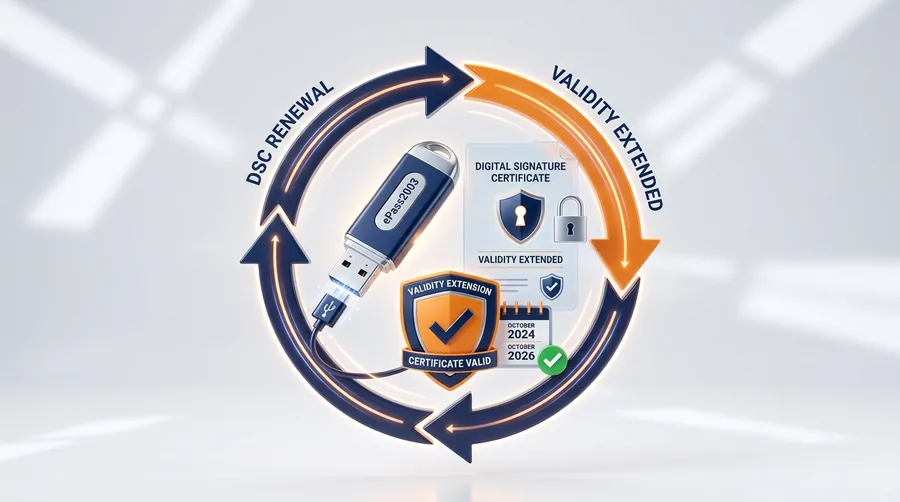
Digital Signature Certificates are issued for a fixed validity period (commonly 1 or 2 years). Once your DSC approaches expiry or has expired, you need to renew it to continue using it for signing documents and filing on government portals. The renewal process is similar to a fresh application. DNB Digital Solutions provides hassle-free DSC renewal assistance so your business operations are not interrupted.
Key Features
Common Use Cases
Your DSC Renewal can be used for the following activities:
Documents Generally Required
The following documents are typically needed for your DSC Renewal application. Our team will guide you through the exact requirements.
- Existing DSC details (serial number, expiry date)
- PAN Card
- Aadhaar Card
- Passport-size photograph
- Updated business documents (if any changes)
Application Process
Share your existing DSC details and renewal requirement
Submit updated documents if necessary
Complete the verification process
Receive your renewed DSC
Crucial Information on DSC Renewal
Digital Signature Certificates are typically issued with a validity period of 1, 2, or 3 years. Once this period expires, the DSC becomes invalid and cannot be used for any statutory filings or transactions. Prompt renewal is essential to ensure seamless business operations and compliance.
When is Renewal Required?
You should initiate the renewal process before your current DSC expires. While you can renew it at the very last moment, it's highly recommended to apply for renewal at least 7-10 days prior to the expiration date. This allows sufficient time for the verification process and prevents any disruption in your ability to sign documents.
Signs Your DSC is Expiring
- Token Warnings: When you plug in your USB token and use the token manager software, it will often display the validity period and warn you if it's nearing expiration.
- Portal Notifications: Portals like GST, MCA, or Income Tax may prompt you regarding an expiring or expired certificate upon login or attempt to sign.
- Email/SMS Alerts: You will generally receive alerts from the Certifying Authority (CA) or your issuing partner (like DNB Digital Solutions) notifying you of upcoming expirations.
Tips for Timely Renewal
Keep your registered email and mobile number updated with your provider to ensure you receive renewal reminders. Remember that "renewal" often means generating a fresh certificate onto your existing USB token. Thus, you will still need to complete the verification processes (Video and Phone verification) as mandated by current CCA guidelines for the new certificate to be downloaded to your token.
Frequently Asked Questions
Need DSC Renewal?
Get in touch with DNB Digital Solutions for professional assistance with your Digital Signature Certificate.